Imagine that you have picked a conference app, thinking that it covers everything your event needs. The demo looked clean, and the feature list felt solid. Then the conference day arrives.
Attendees struggle to find their sessions. The Wi-Fi drops, and the app goes blank. A room change needs to be communicated immediately, but the alert system is buried three menus deep. Your sponsor is asking what they actually got for their investment.
The platform that looked complete in April becomes a liability in October. This is not a rare occurrence. It happens because most conference apps are judged by appearances rather than by what they deliver under pressure.
The bar for what a conference app should deliver has risen considerably. 67.5% of attendees now expect an event app as standard, and events with an app see 42% higher attendee engagement than those without one.
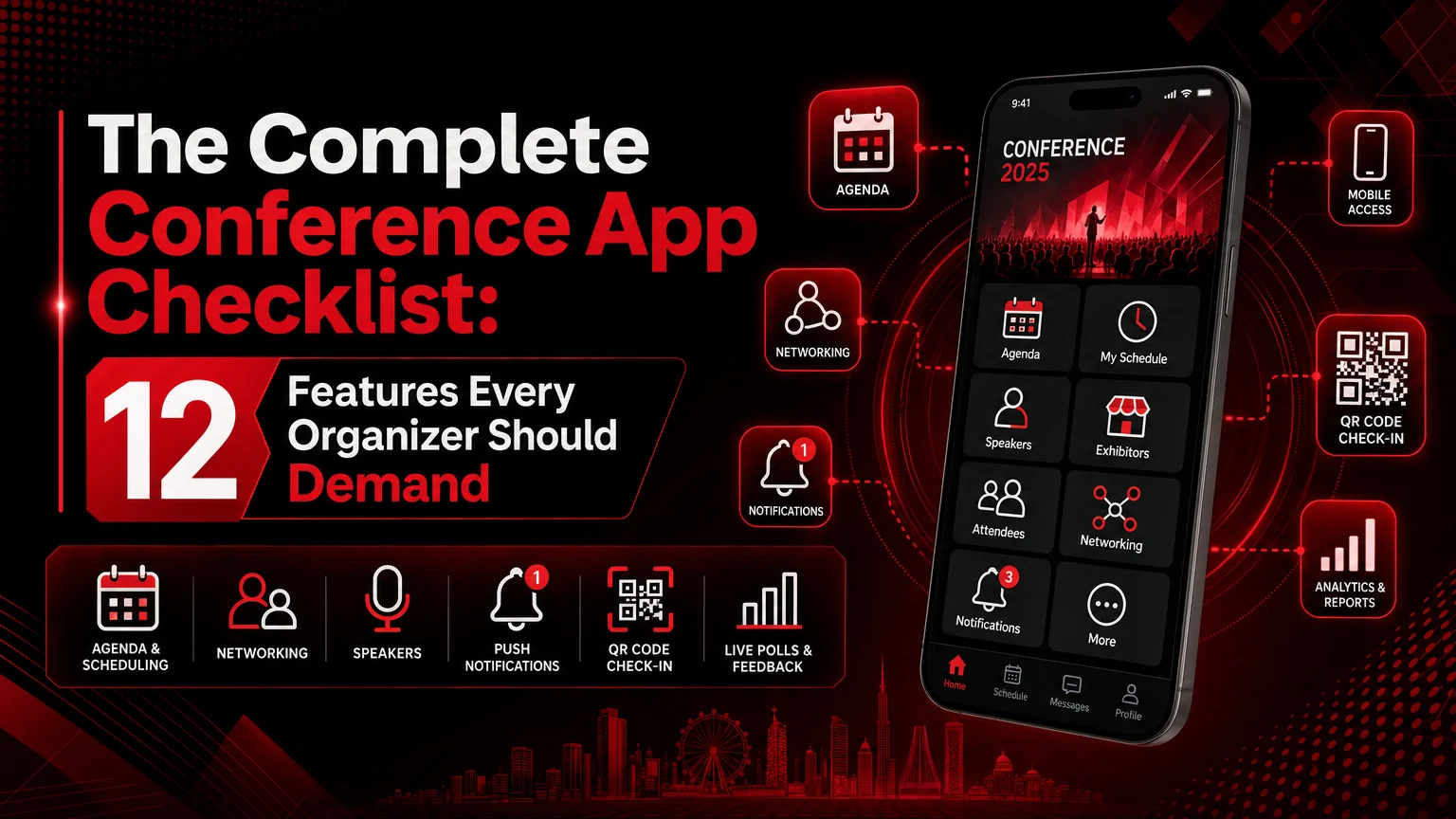
Considering all that, we have created a complete conference app checklist of features worth demanding before you sign anything.
1. A Clear Agenda and Schedule Builder
The first thing any conference app should do well is help attendees understand the event. That means a clean agenda view, easy session browsing, and the ability to bookmark or save sessions without confusion.
A good app should also reduce friction for organizers. It should make publishing agenda changes simple. When sessions move or new content is added, the app should keep the schedule up to date without creating extra work.
2. Personalized Attendee Profiles
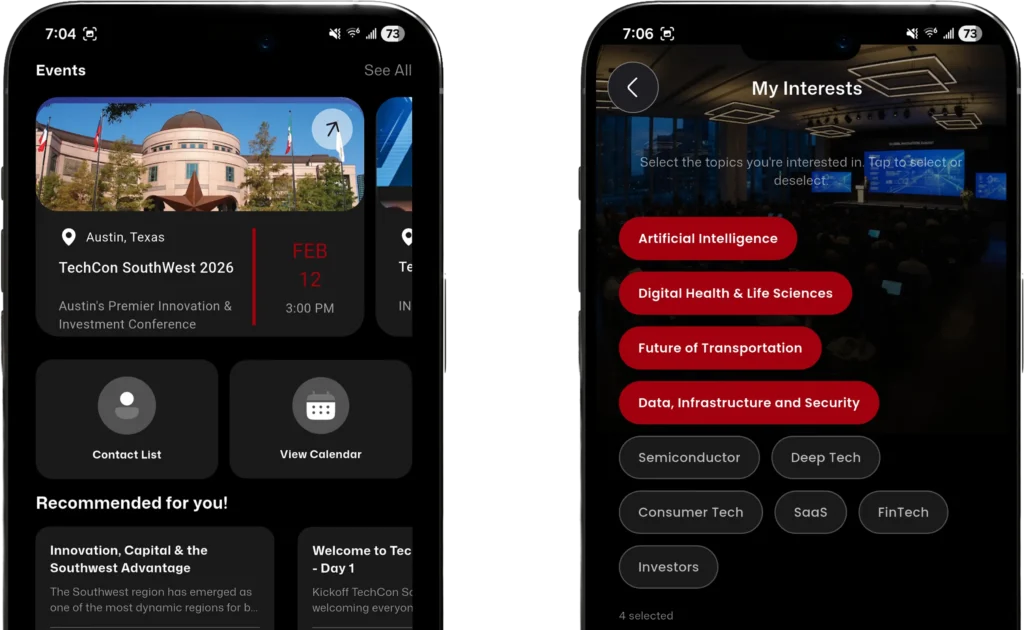
Conference apps perform better when users can build profiles. Attendees should be able to add roles, interests, company details, and other context to help them discover relevant people and content. Better profiles lead to better recommendations and stronger networking.
3. Offline Access That Works When Wi-Fi Doesn’t
Convention centers and hotel venues are unreliable for connectivity. The app must cache key content (schedules, session details, and speaker profiles) so attendees can navigate the conference when their signal drops.
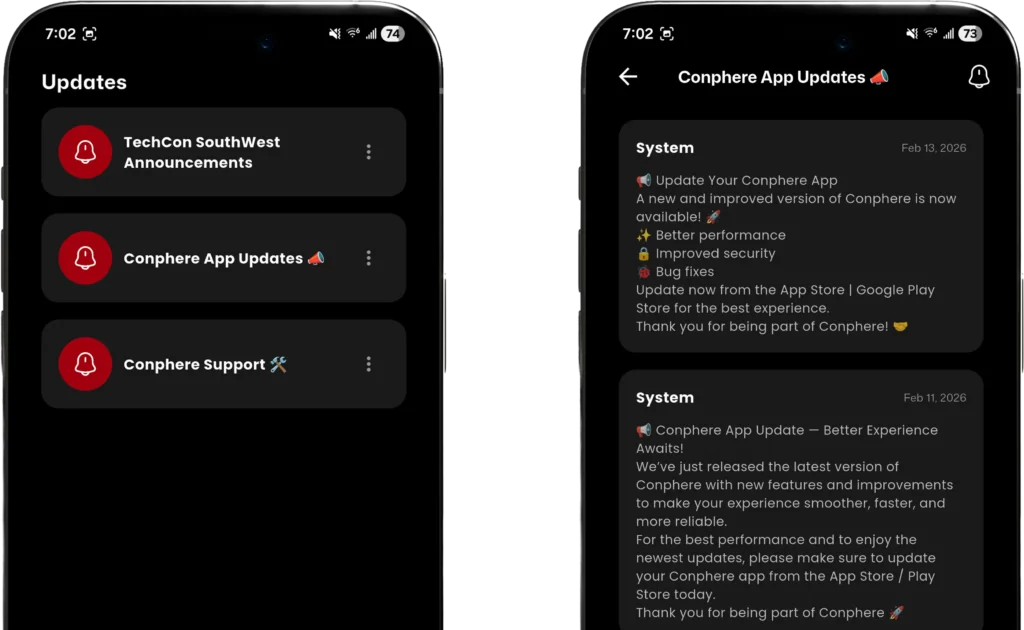
4. Real-Time Announcements and Emergency Alerts
Conference plans change quickly. The platform must allow organizers to send instant announcements and high-priority alerts to every attendee’s device without delay. This is especially critical when urgent information needs to reach the full audience in seconds, such as a room change or a speaker cancellation.
5. Deep Networking via Messaging, Channels, and Groups
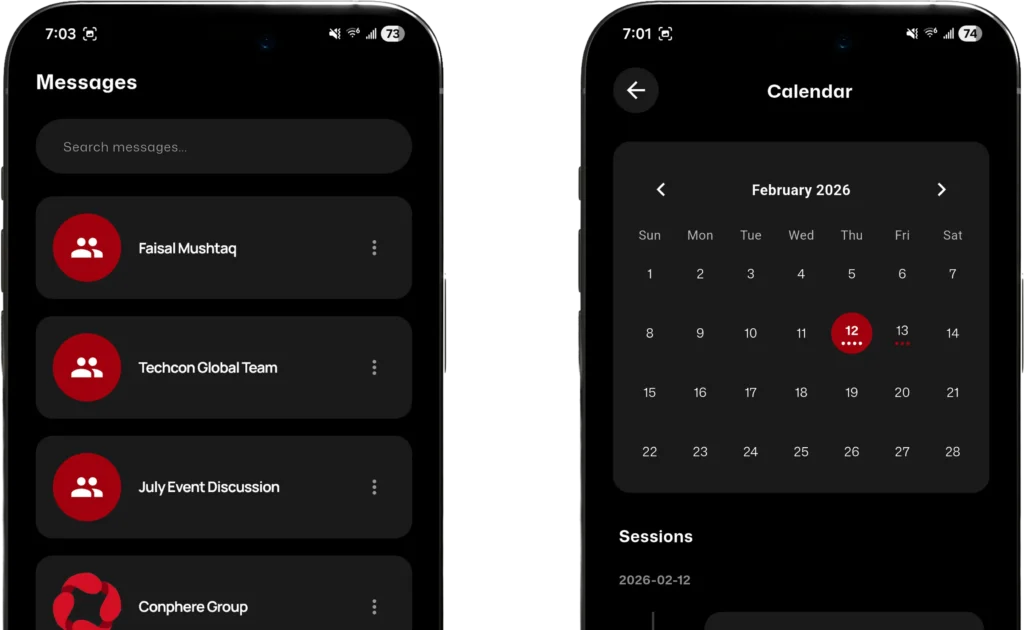
Conference apps remove the stress from networking, but only when the networking infrastructure is built in. The checklist here includes 1:1 direct messaging, group conversations, moderated broadcast channels, and topic-specific community spaces.
These features turn the app into a place where networking happens continuously. Attendees who might never approach a microphone or start a cold conversation will engage when friction is lower.
6. Meeting Scheduling With Calendar Sync
Knowing who to meet is only half the problem. The app should support structured scheduling for attendees. This should include availability management and direct calendar sync so that confirmed meetings actually happen. Without this, most intended conversations fall apart between intention and execution.
7. AI-Powered Matchmaking and Personalization
Modern conference apps separate themselves from legacy tools through their AI-backed features. The app should use AI to surface relevant attendee connections based on profile data and session behavior and update those recommendations in real time as the conference progresses.
Other than that, AI can also assist with session recommendations, personalized icebreakers, post-event follow-up suggestions, and more to make the experience more intelligent and autonomous.
Business cards get lost. The app should support QR-based contact exchange so attendees can share contact details instantly in person. This is a fast, paperless way that is more reliable than relying on someone to type your email correctly on their phone.
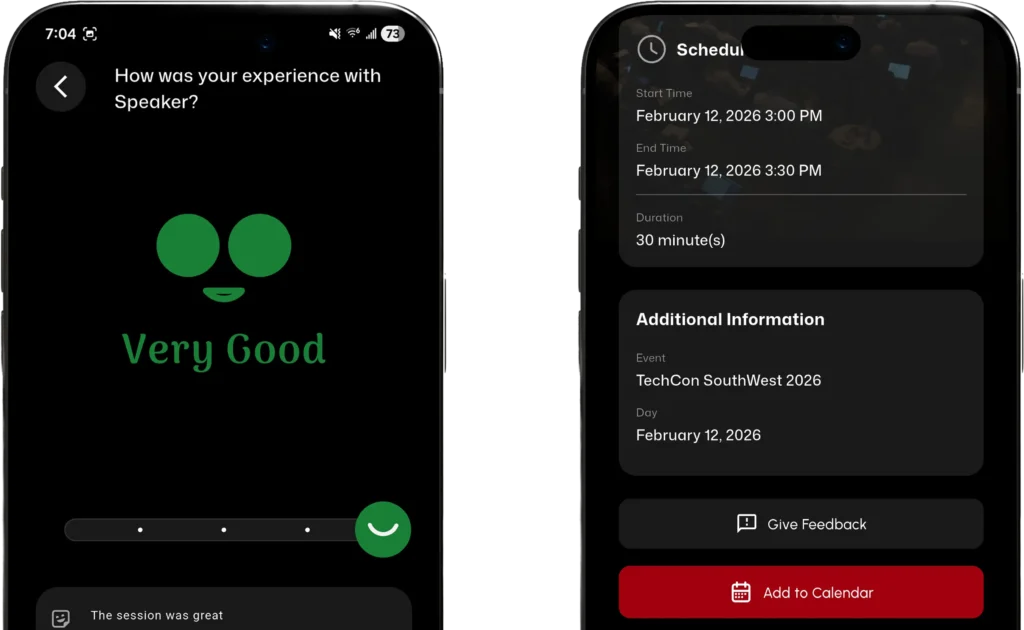
9. In-App Session Ratings and Feedback Surveys
Post-event insight is only useful if it was captured at the right moment. The app should allow attendees to rate sessions and complete surveys directly within the app, tied to specific sessions and speakers. This data then helps organizers to improve their outputs for the upcoming conferences.
10. Sponsor and Exhibitor Visibility
Sponsors now expect more than a logo placement. The app should provide them with visible profiles, digital booths, content assets, and opportunities for interaction. This matters because sponsor value is no longer judged by booth traffic alone. Organizers need a platform that helps sponsors connect with the right attendees and demonstrate value afterward.
11. Plugin Integrations That Connect to Your Existing Stack
The app should connect to the tools you already use, including ticketing, email marketing, and membership systems. This should be offered via plugins or API integrations, without requiring you to rebuild your entire setup. A platform that forces you to choose between integration and capability creates extra work.
12. Organizer Console With Live Engagement Visibility
The attendee app and the organizer console should be connected. A top-notch conference app should show session attendance, app usage, networking activity, survey results, and sponsor interactions.
Organizers also need real-time visibility into what is happening during the conference day so they can make live adjustments and understand what worked afterward.
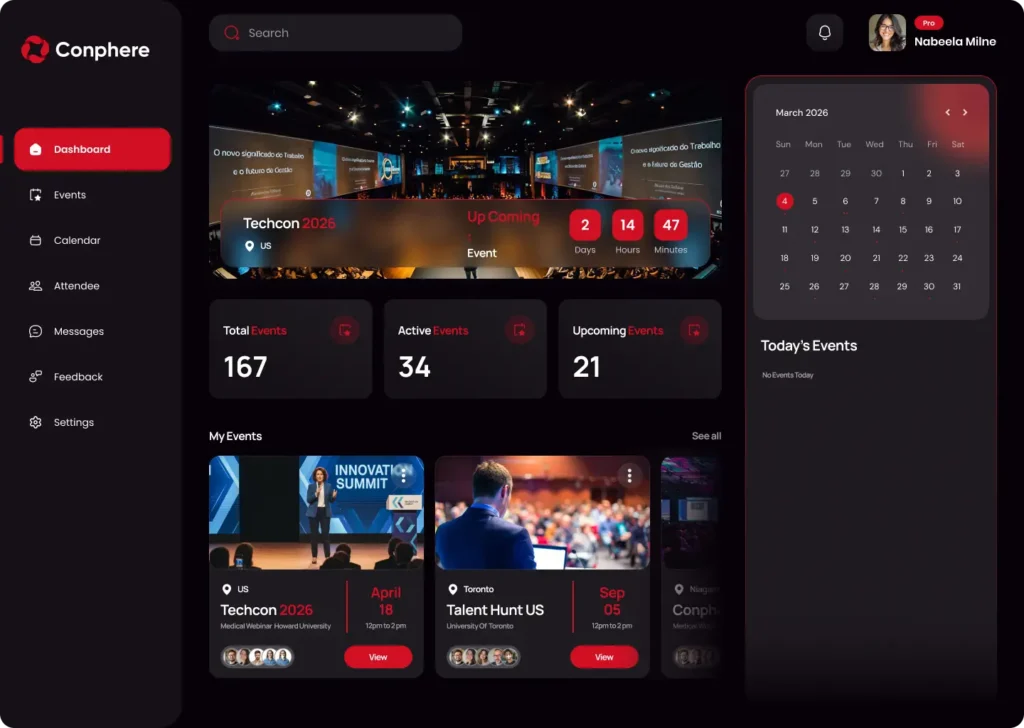
Conphere is a premium conference management platform that delivers every feature on this checklist within a single, connected system. The native attendee app works offline, supports multi-event series under a single Organization Code, facilitates smooth networking, and pairs with an organizer console built for real operational control.
The core highlights of Conphere include:
● Native iOS and Android app with full offline access
● Multi-track agenda filtering, session saving, and real-time updates
● 1:1 messaging, group chats, moderated channels, and meeting scheduling with calendar sync
● QR-based contact exchange for fast in-person networking
● AI matchmaking and post-event recaps built in
● Sponsor ROI reporting and session-level feedback aggregation
● Plugin integrations for ticketing and membership tools
Don’t just take our word for it. Sign up for free, explore the features, and let your next conference show what the right platform actually feels like.
A conference app is the infrastructure your event runs on. The features on this checklist are not extras to consider if the budget allows. They are the baseline of what a serious conference platform should deliver in 2026. Use this list before every vendor conversation, and the right choice becomes much easier to land on.