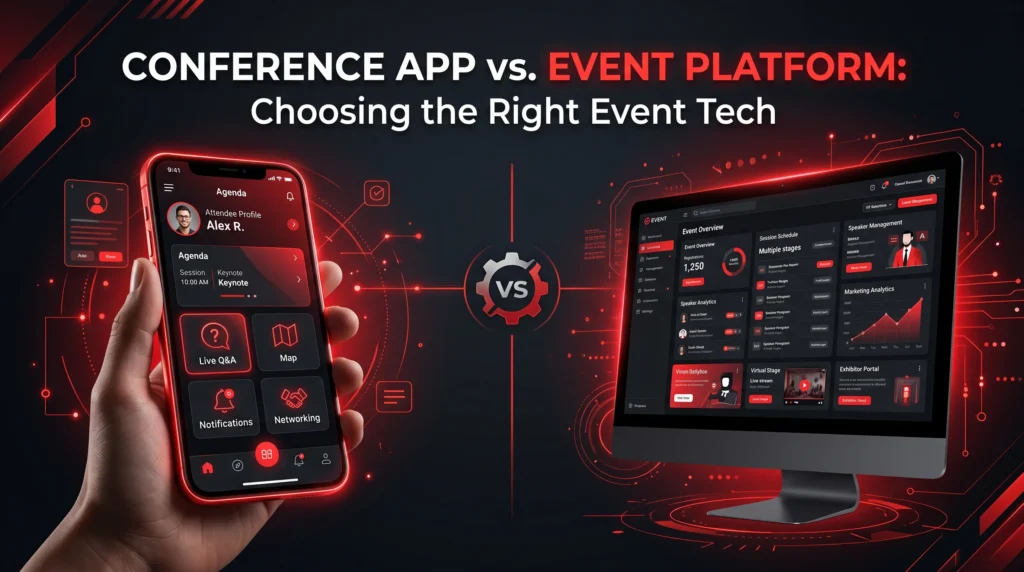
Given the growing ecosystem of conference management platforms, each one tends to offer unique advantages. This also makes choosing the right platform challenging.
The technology behind your conference shapes the entire experience for attendees, speakers, sponsors, experts, and organizers. Choosing the wrong conference platform is one of those mistakes you only fully understand when you are live on event day.
The right approach is to ask the right questions before making a decision. You need to ensure the platform you choose can handle live updates, attendee engagement, networking, and other conference activities. These ten questions separate tools that look impressive in a demo from platforms that hold up when it counts.
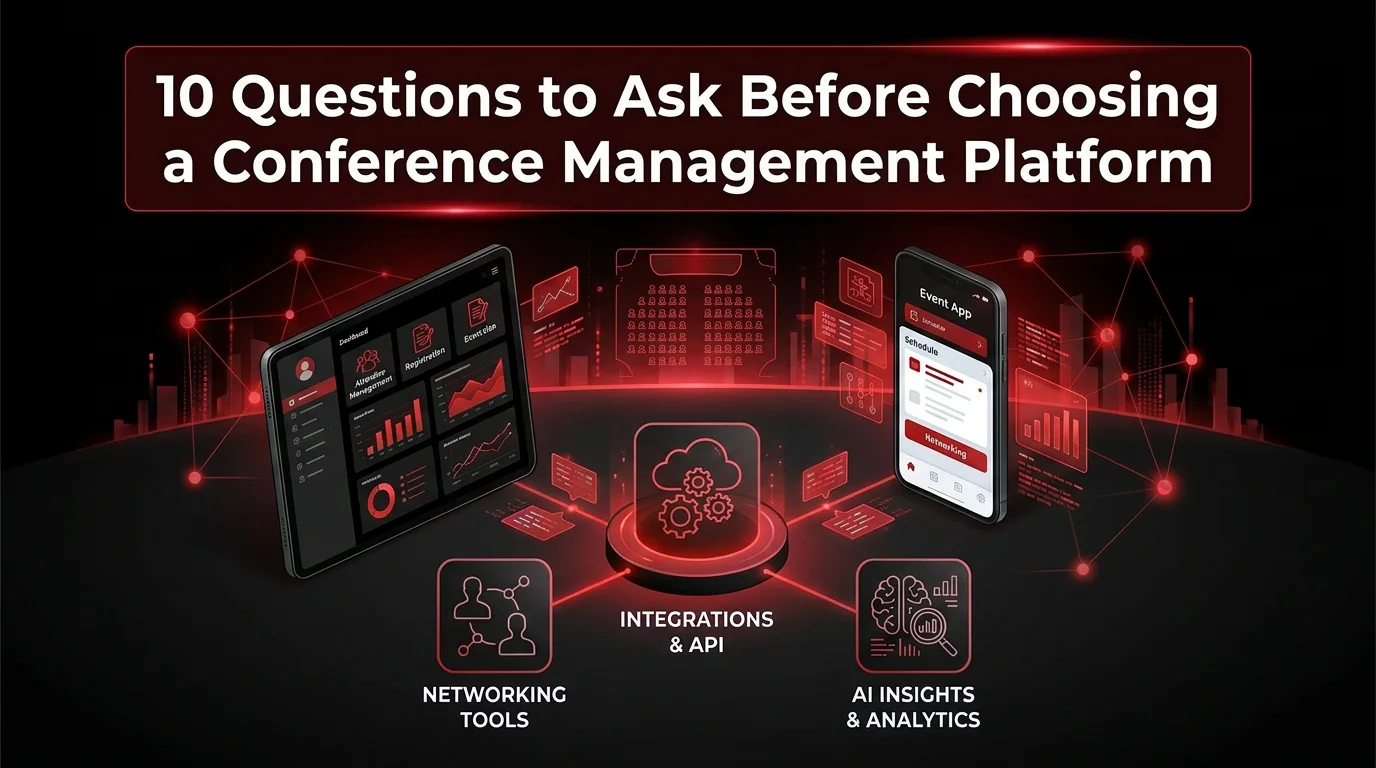
10 Questions to Choose the Right Conference Management Platform
Most of the conference management platforms now offer user-friendly interfaces and interactive graphics. As a result, the checks have shifted toward features and real functionality during live events.
Below, we have shortlisted the crucial questions to evaluate whether a platform can support your conference before, during, and after the event:
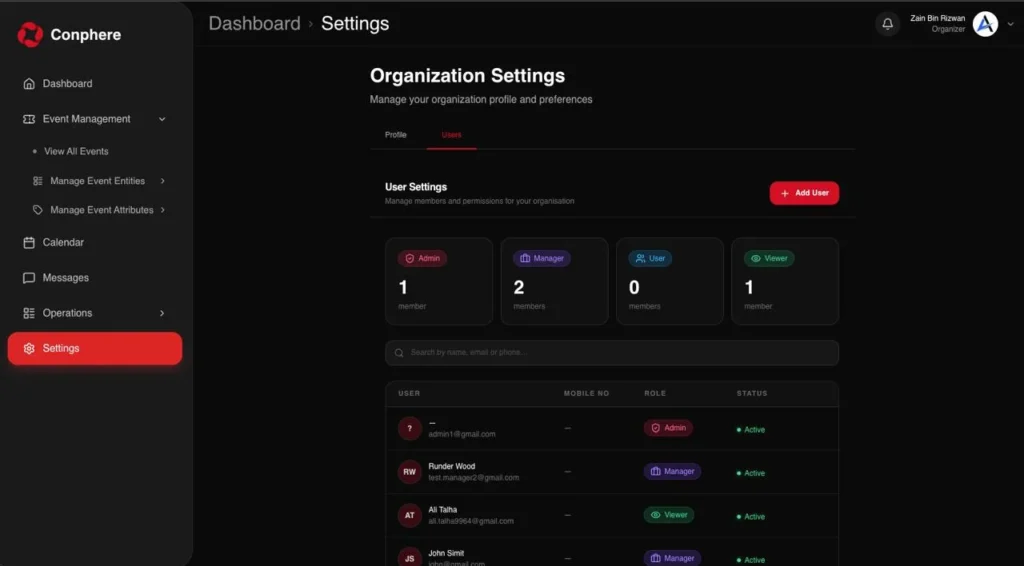
1. Does it bring the attendee app and organizer console into one connected system?
A strong conference management platform should let attendees plan and engage on mobile while giving organizers a dedicated control center for communications and engagement tracking. That reduces tool switching and makes the event easier to manage.
2. Does it include a dedicated mobile app built for on-site use?
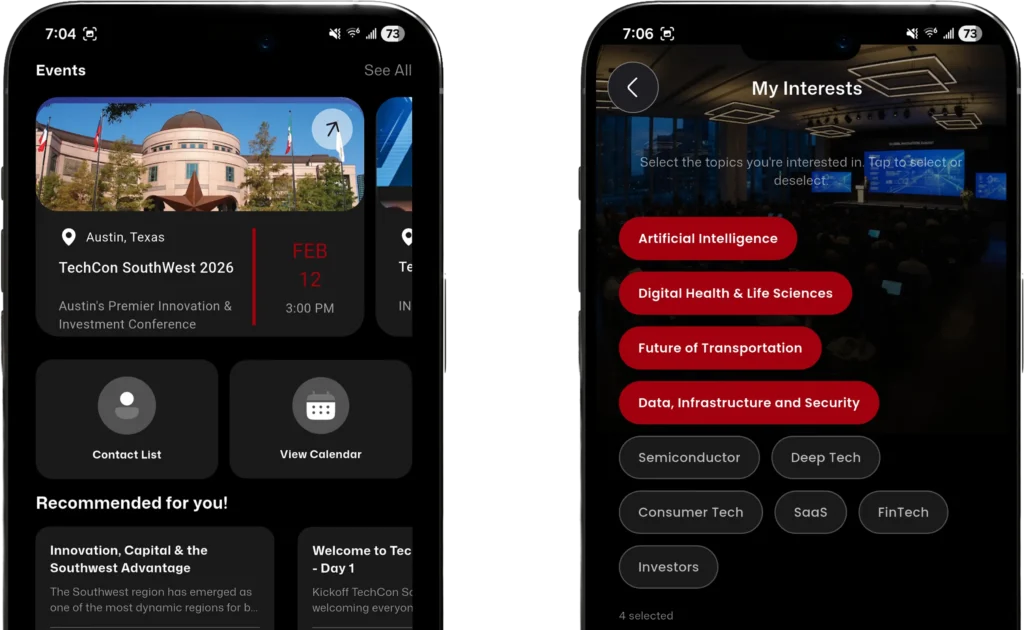
A web link shared in an email is not an attendee app. Ask whether the platform ships a native mobile app designed specifically for conference day. In fact, 91% of event planners report a positive ROI when using a dedicated event app.
The app should handle agenda browsing, speaker profiles, push notifications, and networking, all in one place. This is the app attendees actually interact with, so it needs to feel polished and resourceful, not like an afterthought bolted onto an organizer tool.
3. Will attendees still have access if internet connectivity drops on-site?
Offline access matters because conference days are busy and venue connectivity is not always reliable. A good platform should cache key content, such as schedules and profiles, and sync when the user reconnects.
4. What networking features are actually built in?
The best platforms go beyond contact lists and offer:
- 1:1 messaging
- Group conversations
- Channels
- QR-based contact exchange
- Meeting scheduling with calendar sync.
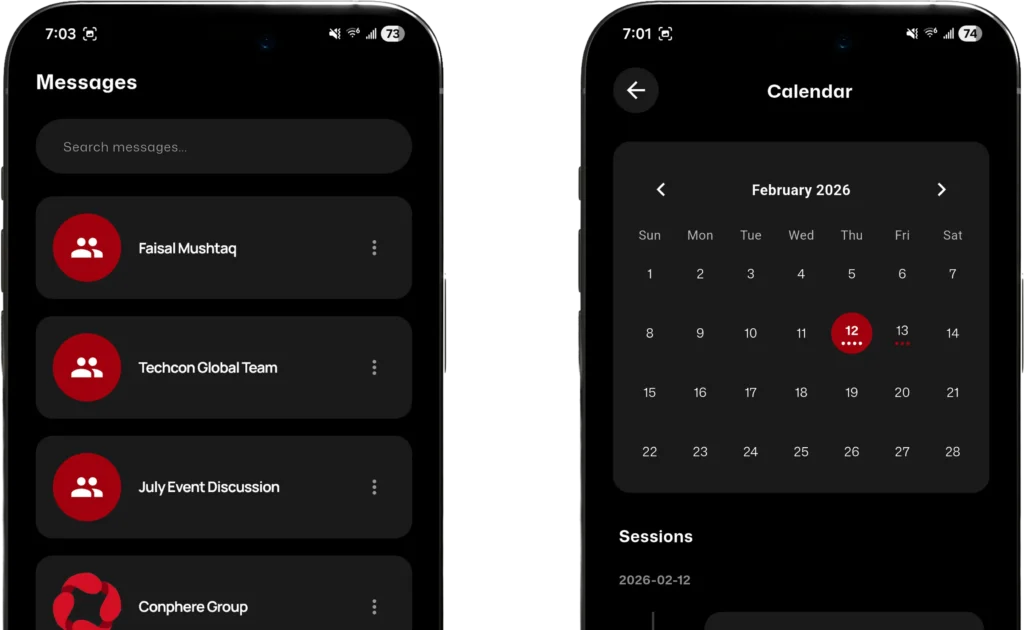
Those features help networking turn into real meetings instead of one-time conversations. Research shows that mobile event apps generate 42% more attendee engagement than events that don’t use them.
5. Can organizers send real-time announcements and emergency alerts quickly?
Conference plans change fast, so the platform should support instant updates, push notifications, and high-priority alerts. That is especially important when sessions move, speakers change, or urgent onsite information needs to reach attendees immediately.
6. Can it manage multiple events under one organization?
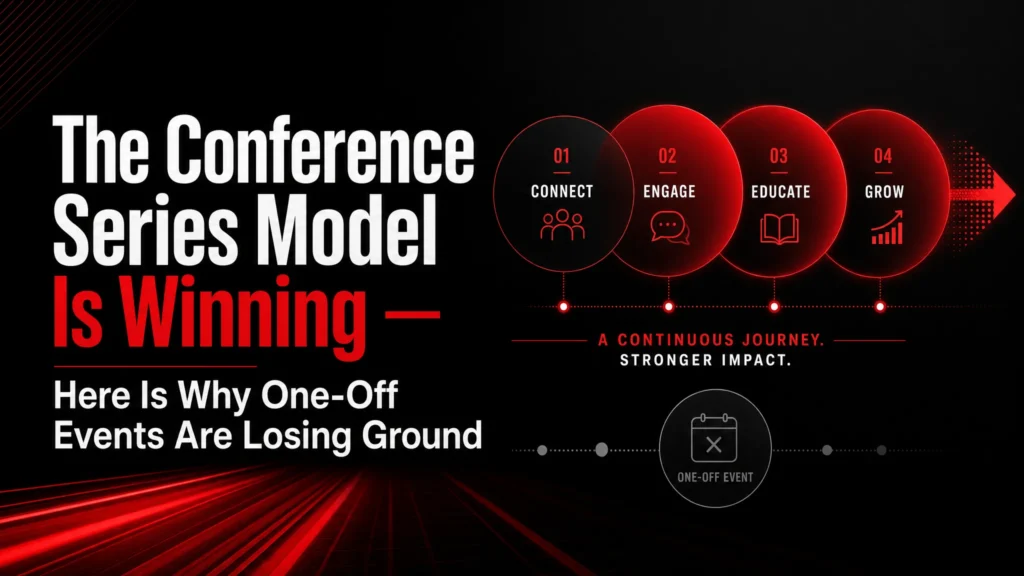
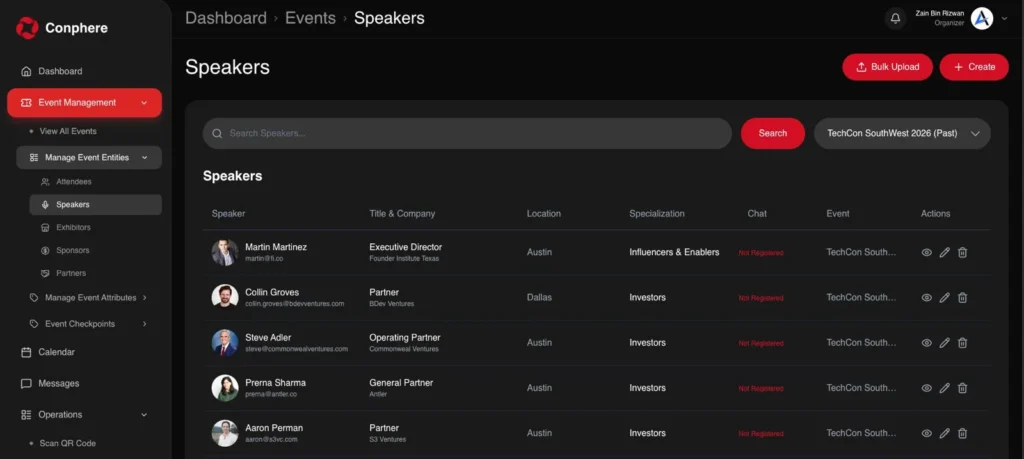
If you run a conference series or recurring annual events, you need more than a one-off event tool. Ask whether the platform allows you to create and manage multiple conferences under a single organizational umbrella.
Also, can attendees discover and access your full event catalog in one place? This is the difference between a platform that scales with you and one that forces you to start from scratch each time.
7. Does it provide AI-powered insights and personalization?
This is where newer platforms pull ahead. Ask whether the platform uses AI to enhance the attendee experience. Things like matchmaking between attendees, session recommendations, post-event recaps, and suggested follow-ups are all crucial.
Similarly, organizers want AI-driven dashboards that surface engagement patterns and other useful event-related insights from raw data.
8. What integrations does it support without rebuilding your stack?
You already use ticketing software, an email platform, a membership system, and similar tools. Ask whether the platform integrates with those tools via plugins or API integrations. Try to be specific about the tools you actually use.
A conference management platform that requires you to abandon your existing stack or manually export and import data between systems will create more work.
9. How does it handle different types of attendees and access levels?
Not every attendee should see the same thing. Ask whether the platform distinguishes between fully registered attendees and members with full/limited access to your entire event catalog. Clear access control means cleaner attendee data and fewer support headaches, with a better experience for everyone because people only see what’s relevant to them.
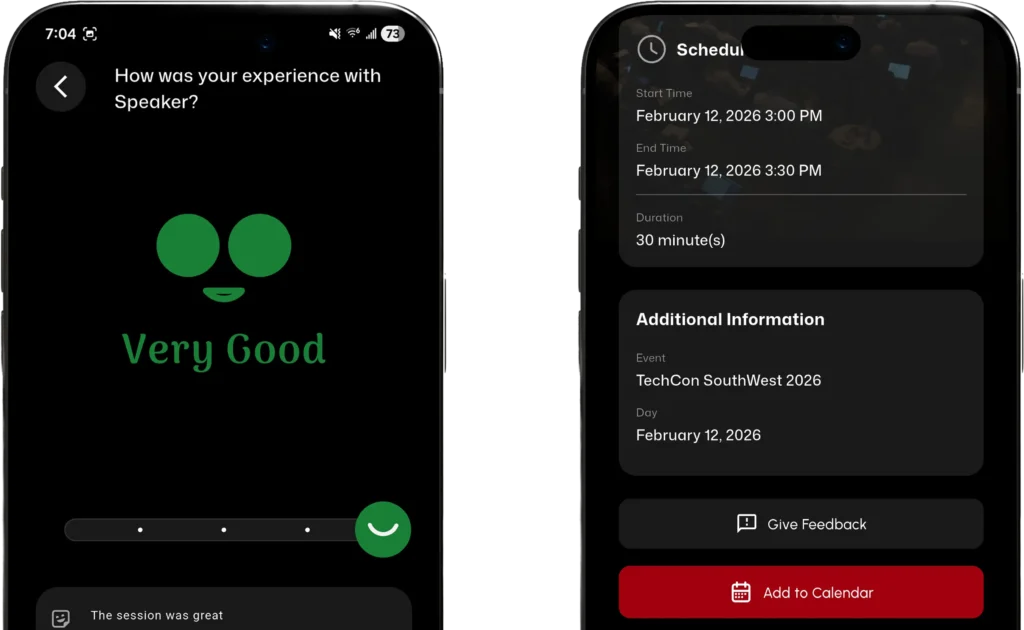
10. How does it collect attendee feedback and measure session performance?
Post-event data is only useful if it is captured at the right moment. Ask whether the platform includes in-app session ratings or surveys tied to specific sessions or speakers. The best platforms close the loop by presenting what attendees experienced during the event, helping you make the right changes for upcoming events.
Other Additional Questions to Ask
Other than the above 10 important questions, you can also ask the following ones as well:
- What does the platform’s customer support look like during a live event?
- Does it provide clear post-event reports to improve future conferences?
- How steep is the setup and onboarding process for your team?
- How does your platform handle the personal data and privacy concerns?
- Do you continuously update the platform with new features?
Why Conphere Answers All Ten
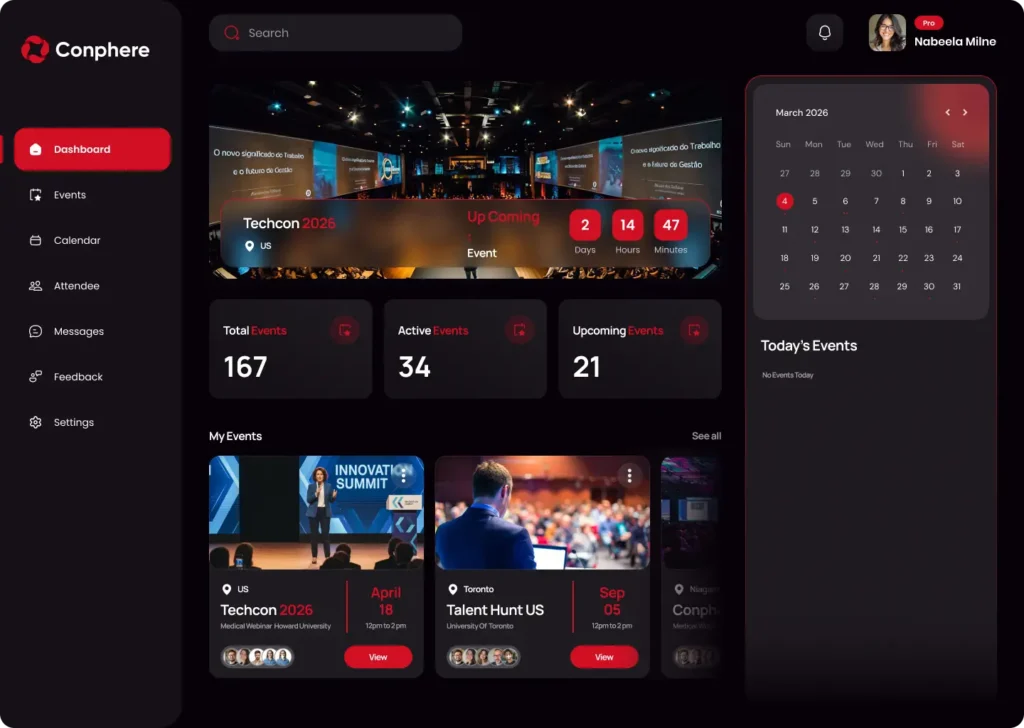
Conphere is a premium conference management platform that unifies an attendee app, organizer console, integrations, and AI insights in a single system. Its feature set includes offline access, networking tools, live communications, reporting, and personalization features designed for real-time execution and measurable engagement.
The key highlights of Conphere are:
- Mobile attendee app with agenda, profiles, alerts, and offline access.
- Organizer console for events, communication, engagement, and performance monitoring.
- Integrations for ticketing, email, membership, and custom connections.
- AI features for matchmaking, recaps, and smarter follow-ups.
- Live announcements and emergency alerts are pushed instantly from the console.
- Sponsor and exhibitor profiles with measurable engagement reporting.
- 1:1 messaging, group chats, channels, QR contact exchange, and meeting scheduling with calendar sync.
Explore the platform if you want a conference setup that feels more organized and more connected.
Conclusion
The right conference management platform should help you simplify operations and improve networking. Run every vendor through these ten questions. The answers will quickly tell you whether you are looking at a tool built for demos or for the real thing. Therefore, start the work and choose a system that supports both the live experience and the results that follow.