
Run your conference from one console.
Create conferences, manage content, communicate instantly, and monitor engagement—while the app keeps attendees aligned.
Innovation conferences & summits
Corporate partner events
Expo and sponsor-heavy programs
Member-driven communities & series
What Organizers Get
- Multi-event management run a series under one organization
- Live communications announcements + emergency alerts
- Engagement visibility see what people attend, save, rate, and discuss
- Sponsor/exhibitor value profiles + discovery + measurable interactions
- Feedback loops ratings + surveys + post-event insights
- Integrations via plugins connect ticketing, email, membership
What Organizers Get
Designed for peak concurrency
Secure by default (encryption + privacy controls)
Mobile UX aligned with platform guidelines



Creating Unforgettable
Experiences,
Built For Multi-Event Excellence.

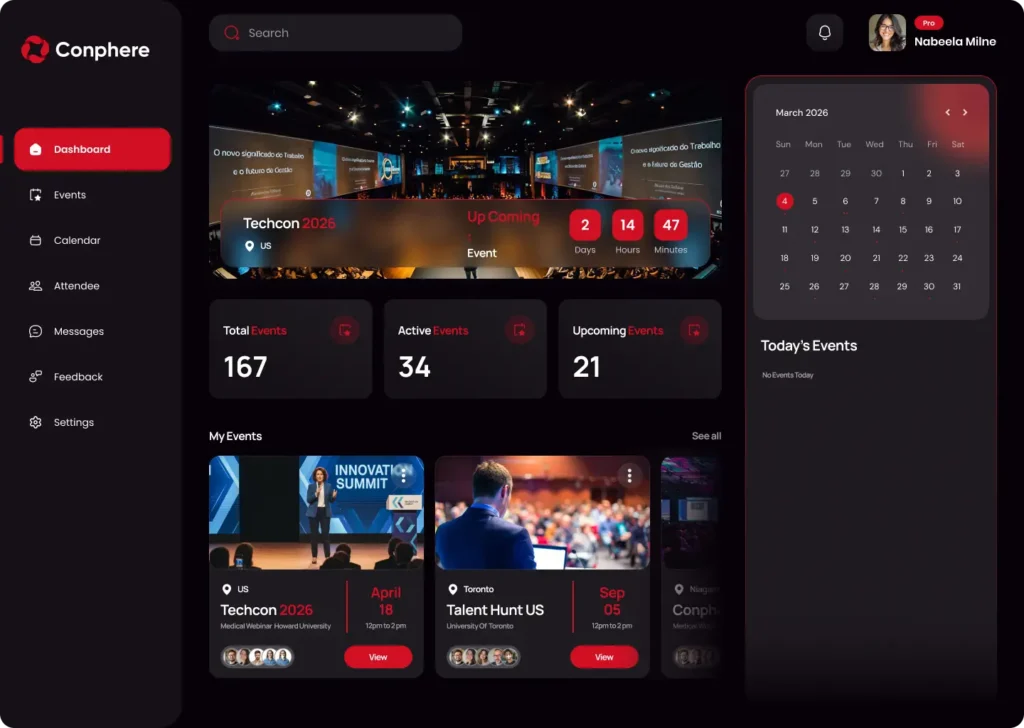
Conphere Console
Built for organizers who run real programs, not one-off events.
Create multiple conferences, manage roles, push updates instantly, and measure engagement across sessions, sponsors, and networking.
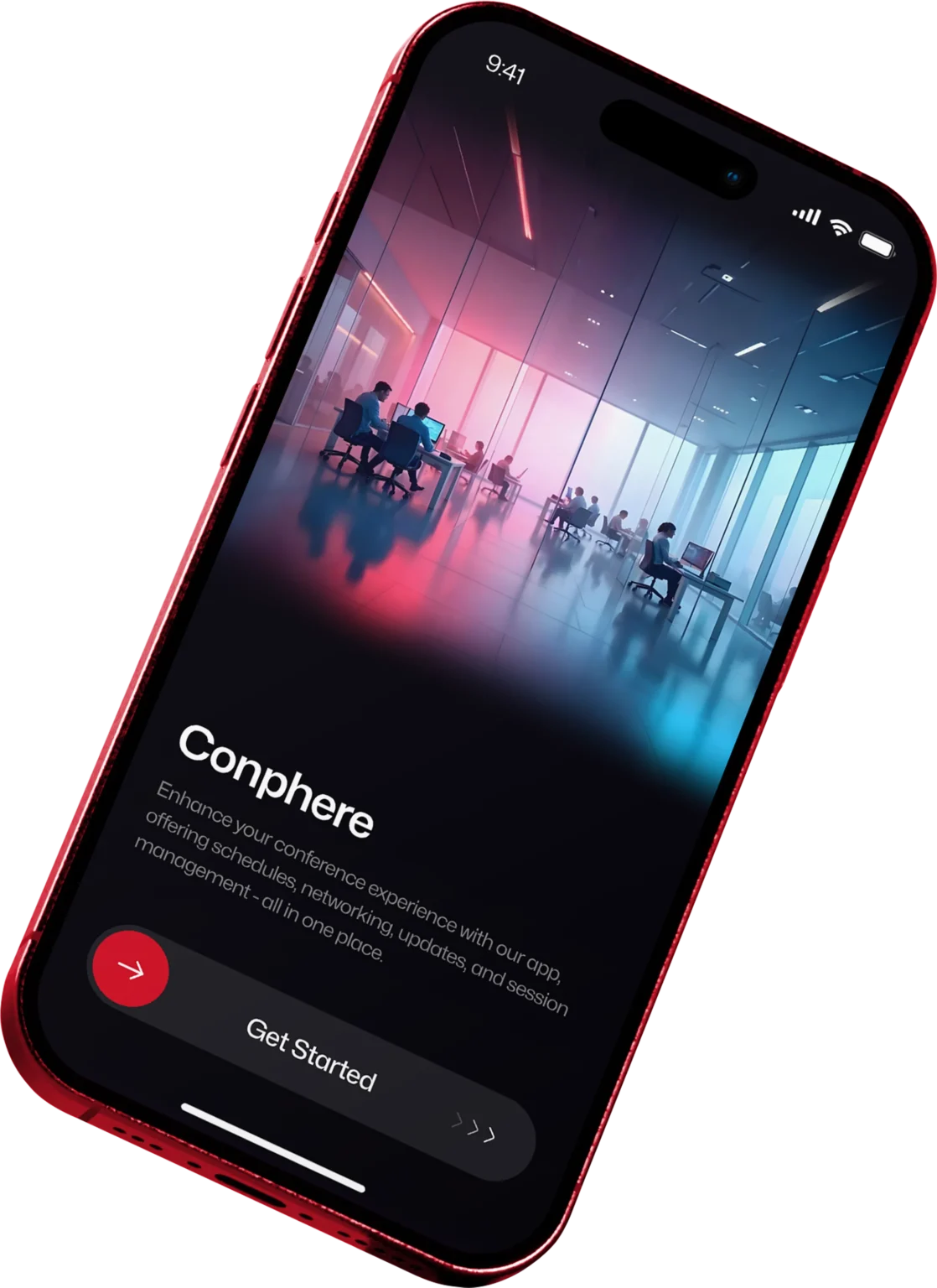
The attendee app that drives real participation.
- Discover events via Organization Code
- Filter agendas by track/topic
- Save sessions, set reminders, stay updated
- Network via 1:1, group chats, and channels
- Share contacts with QR and sync meetings to the calendar
Frequently Asked Questions
Can multiple teammates manage events with permissions?
Yes. Conphere supports organizer-side operations with role-based access patterns so you can assign responsibilities across ops, programming, sponsorship, and comms.
How do emergency alerts work?
Organizers can send urgent, high-priority alerts (e.g., safety or major schedule changes). These are designed to cut through noise and reach attendees fast.
Do you support multi-conference series?
Yes. Conphere is built for conference series—multiple events under one organization, with clean attendee access through the org/event selection flow.
Does the app work offline on-site?
You can monitor engagement and outcomes like attendance/participation patterns, session feedback, and other signals that help quantify event performance and partner value.
What analytics do organizers see?
Yes. Conphere is designed to integrate via Plugins (ticketing, email marketing, membership, etc.) so you don’t have to rebuild your existing systems.
Can we brand the attendee experience per event?
Yes. Events can be configured to reflect the event identity (branding and content structure), so each conference in a series still feels distinct and premium.
How do guest vs registered vs member access levels work?
Guests can browse limited info, registered attendees access the event they’re registered for, and members can access multiple events under that organization (membership model).
What’s the onboarding timeline?
It depends on event complexity and integrations. Simple events can launch quickly; multi-event series and custom plugins take longer. A demo call is typically enough to define a realistic rollout path.